Works with Kenjo
Keep Kenjo. Add what your depot needs.
Kenjo stays your HR system. Office reads its monthly export, checks the hours against what your drivers actually drove in Fleet, and carries the Fleet side: licences, scheduling blocks and driver access.
How the month comes in
- 01
Export from Kenjo.
Download the monthly payroll export (Lohnabrechnung) as it is.
- 02
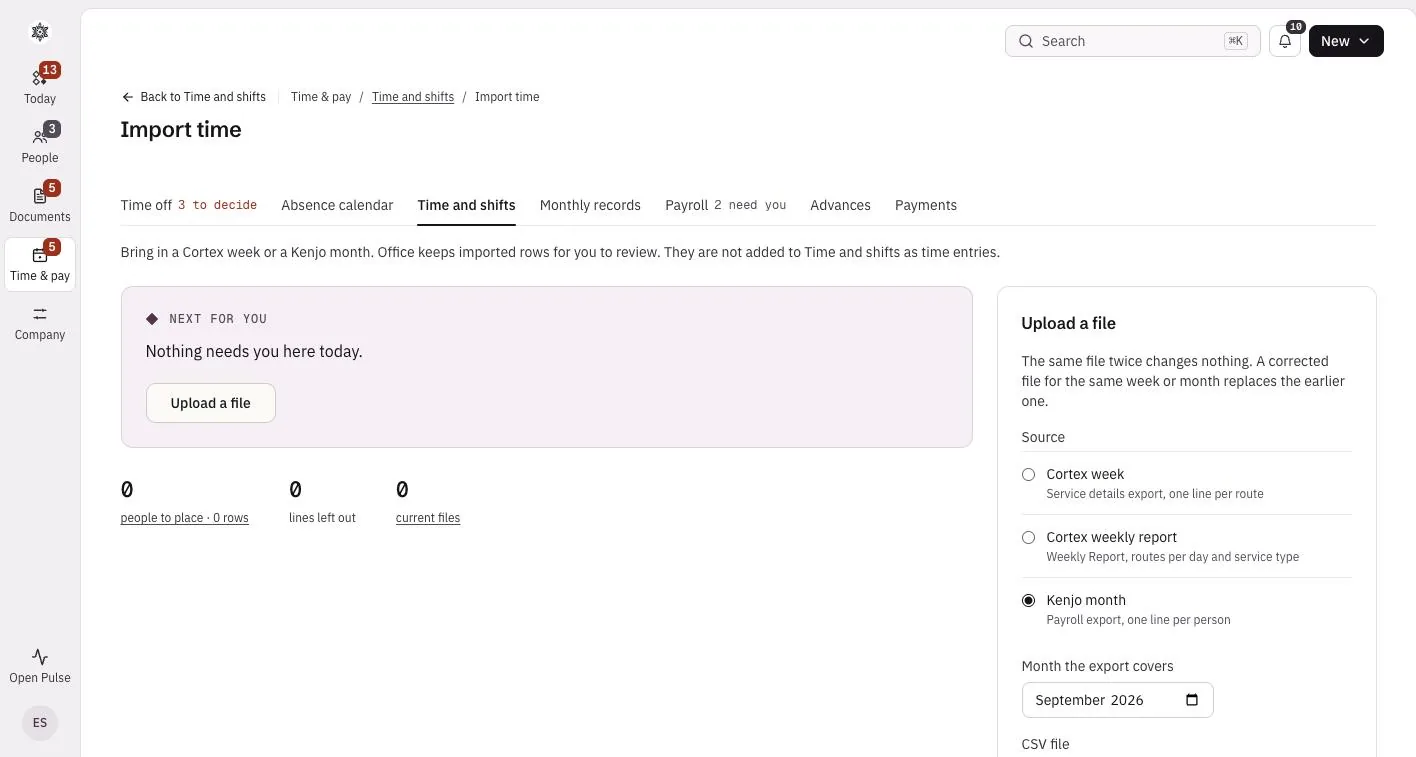
Upload it to Office.
Choose the month and drop the file in. Office matches each line by the Kenjo employee ID, which is the personnel number. Nobody needs linking by hand.
- 03
Check the hours.
Office sets Kenjo's recorded hours beside the days confirmed in Office, so a gap shows before payroll, not after.
What each one does
- Kenjo
- Your HR system and shift planning, as today.
- Office
- The Fleet loop. Fleet shifts arrive as time entries, an expired licence blocks scheduling with a clear reason, and finishing onboarding gives the driver Fleet access.
See your Kenjo month in Office
Start free, upload last month's export and see the hours check on your own team.